
Puzzle & Strategy
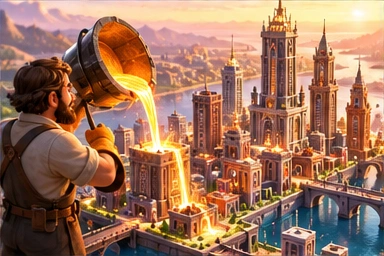
Skyline Foundry
Build an isometric city: roads and bridges, zoning, utilities, bus routes, rail, moving traffic and a living budget. Pan, rotate, zoom and save your city.
🏆 0
Controls:
Choose tools on the left. Drag roads; click to zone or place buildings. Move View pans; wheel or +/− zooms. Enter rotates. 1–4 select road/homes/shops/industry; Ctrl+Z undoes. Space changes simulation pause. Save/Load stay on this device. P pauses the game.
On mobile, use the construction, camera and city menus above the map.
Start your city
- Extend streets from the avenue connected to the map edge. Drag to build roads; use Bridge over river tiles.
- Zone homes, shops and industry beside streets. Buildings need connected roads and nearby power and water to grow.
- Under Services, place two bus stops on connected streets, choose Bus Route, then select both stops. Build a connected rail line to run a train.
- Balance residents, jobs and upkeep, and watch happiness. Parks and fire coverage help; factories beside homes reduce happiness.
- Your city autosaves locally and resumes when you reopen the game. Save writes immediately. On mobile, use the touch menus; landscape works best.
More games you may like
All games



How to play
- Press "Play now" to open the game screen.
- Use the keyboard or the on-screen touch buttons.
- Your high score is saved on your device automatically.
- Press ⛶ for full screen and ✖ to go back.
Frequently asked questions
Is the game free?
Yes, completely free with no sign-up or download.
Does it work on mobile?
Yes, with transparent touch buttons; landscape works best for fast games.
Where is my score saved?
In your browser on your device only; it is never sent to a server.